Building a website can feel like arranging hundreds of tiny pieces. Learning what is bootstrap in web development makes that process easier because Bootstrap provides a ready-made foundation for creating clean, responsive websites without styling every element from zero.
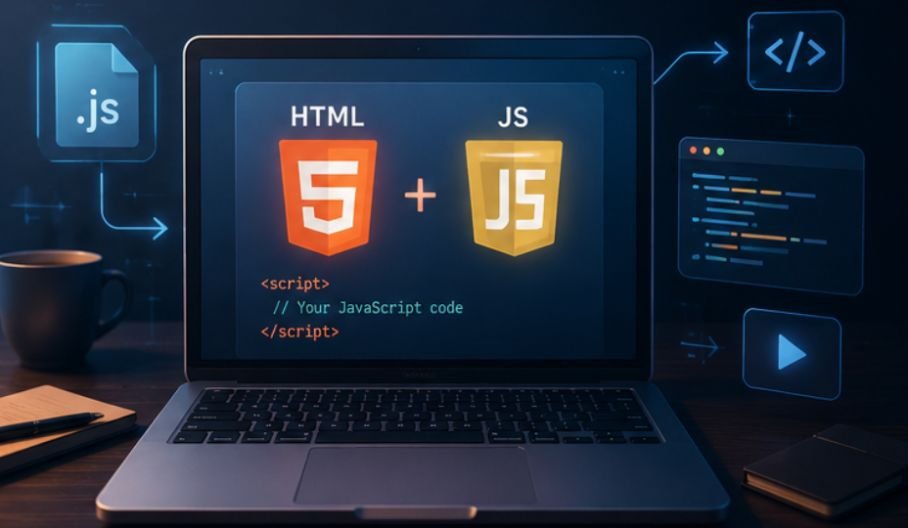
Bootstrap is a free, open-source front-end framework built with HTML, CSS, and JavaScript. It helps developers create mobile-first websites faster through reusable layouts, utility classes, interface components, and interactive plugins.
Key Takeaways
- Bootstrap is a front-end framework.
- It supports responsive design.
- It includes a 12-column grid.
- It provides reusable UI components.
- It reduces repetitive coding while allowing custom styles.
Core Bootstrap Components
Bootstrap combines several tools that create structured, responsive, and consistent web pages.
The Grid System
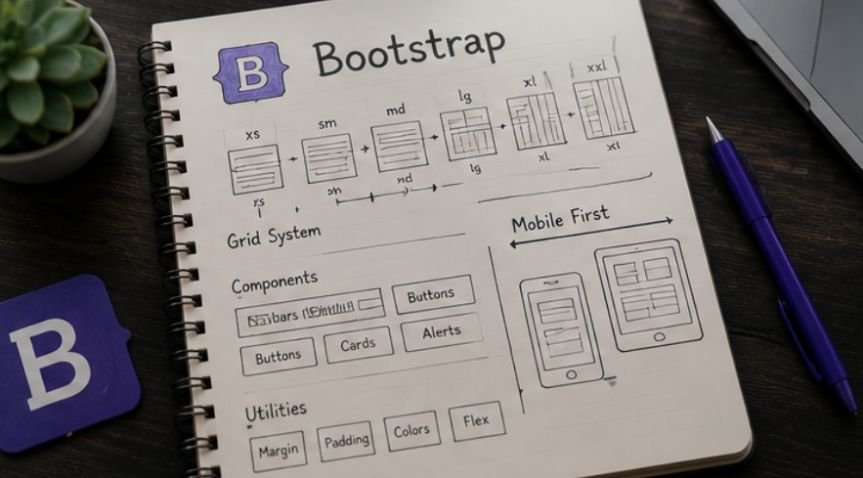
The Bootstrap grid uses 12 flexible columns. Developers place content inside containers, rows, and columns, then control how much space each section occupies.
Responsive breakpoint classes tell the browser when the layout should change, making mobile-first development easier.
Pre-Styled UI Components
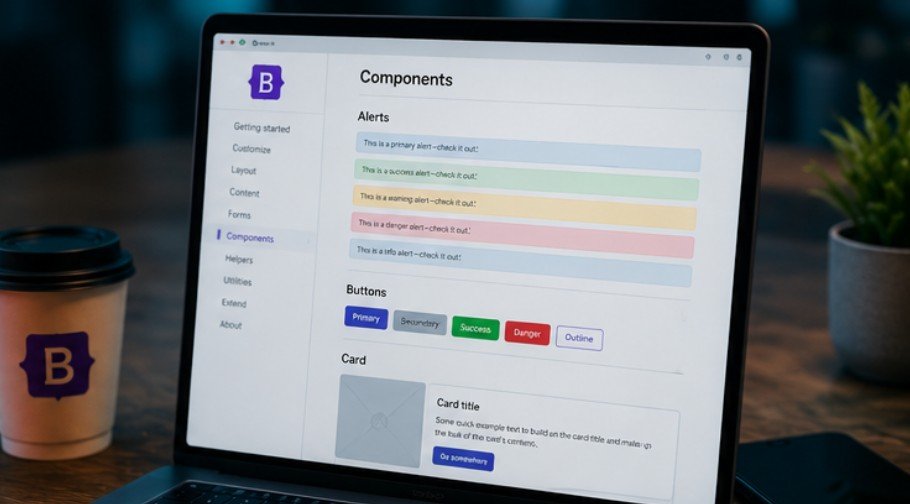
Bootstrap includes buttons, forms, cards, alerts, navigation bars, dropdowns, tables, and pagination controls. These components already contain spacing, colors, borders, and responsive behavior.
Developers can keep the defaults or customize them with CSS, Sass variables, and utility classes. This creates a consistent starting point without forcing every site to look identical.
JavaScript Plugins
Optional JavaScript plugins add modals, carousels, collapsible menus, dropdowns, tooltips, off-canvas panels, and accordions. Bootstrap 5 uses standard JavaScript and does not require jQuery.
How Bootstrap Works
Understanding what is bootstrap in web development becomes practical once you see how the framework connects to an ordinary HTML page.
Connect the Framework
Start with a standard HTML5 document and include the viewport meta tag so responsive layouts scale correctly on phones and tablets.
Next, connect Bootstrap through a content delivery network, download its files, or install it with npm. The CSS controls styling, while JavaScript powers interactive components.
Add Bootstrap Classes
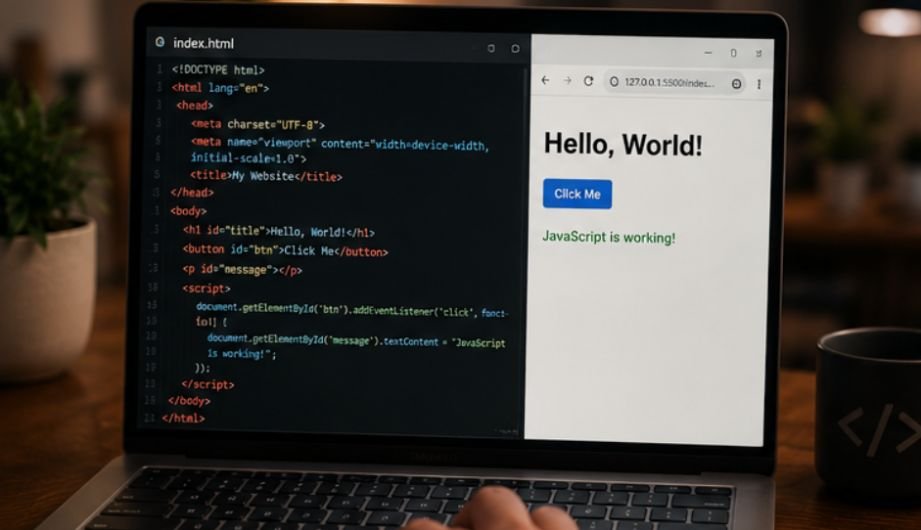
Bootstrap works by adding predefined classes to HTML elements. A normal button becomes a polished primary button by adding the classes btn and btn-primary.
Layout classes work similarly. A developer can create a container, add a row, and insert responsive columns without writing complex width calculations.
Test and Customize
Test the page at several screen sizes. Check whether columns stack correctly, menus open smoothly, text remains readable, and forms work with a keyboard.
Then customize colors, typography, spacing, borders, and component states. A strong Bootstrap website should reflect its brand instead of resembling an unchanged template.
Key Benefits of Bootstrap
Bootstrap remains popular because it solves common front-end problems with reusable tools.
Faster Development
Prebuilt components reduce the time needed to create interface elements. Developers can assemble landing pages, dashboards, forms, and navigation systems without rebuilding each feature.
Better Device Consistency
Bootstrap uses responsive breakpoints to help content adapt across phones, tablets, laptops, and desktop monitors. Its tested styles also reduce browser inconsistencies.
Easy Learning and Customization
Beginners with basic HTML and CSS knowledge can understand Bootstrap classes quickly. Advanced developers can change Sass variables, use CSS custom properties, import selected modules, or override component styles.
Real-World Bootstrap Uses
Bootstrap appears in practical projects because it balances speed, structure, and flexibility.
Business Sites and Landing Pages
A business site may need a responsive header, service cards, pricing sections, contact forms, and a footer. Bootstrap provides foundations for each element.
Navigation can be improved further by learning how to make sticky header CSS, which keeps important menu links visible as visitors scroll through longer landing pages.
This approach works well alongside Bootstrap navigation components when developers want persistent access to key sections without relying on additional plugins.
Dashboards and Admin Panels
Dashboards often contain tables, filters, alerts, forms, cards, and side navigation. Bootstrap keeps these elements visually consistent and easy to arrange.
Teams can focus on data, permissions, and application logic instead of repeatedly styling basic components.
Prototypes and Learning Projects
Bootstrap helps teams test ideas before investing in a custom design system. They can build a working prototype, collect feedback, and improve it before production.
Students can use it to understand responsive grids, spacing, components, and mobile-first design after learning HTML and CSS basics.
Limits to Consider
Bootstrap is useful, but using it without planning can create problems.
Extra Code
Loading the complete framework may include styles and scripts a small site never uses. Unnecessary code can increase page weight.
Use minified production files, avoid unused JavaScript, and import selected Sass modules when performance matters.
Familiar-Looking Designs
Sites may look generic when developers use default components without customization. The same buttons and cards can appear across unrelated projects.
Changing typography, colors, spacing, borders, and component details creates a stronger identity.
Class-Heavy Markup
Bootstrap may require several classes on one HTML element. Large class combinations can make markup harder to scan.
Bootstrap Versus Other Tools
Comparing Bootstrap with other technologies clarifies its role.
Bootstrap Versus CSS
CSS is the language browsers use to style HTML. Bootstrap is a toolkit built mainly with CSS and JavaScript that provides ready-made rules and components. A website can use plain CSS without Bootstrap.
Bootstrap Versus Tailwind CSS
Bootstrap provides finished components with an established style. Tailwind CSS focuses on utility classes developers combine for custom interfaces.
Bootstrap suits teams wanting ready-made components. Tailwind may suit projects requiring a highly specific design system.
Accessibility and Performance
Responsive design is not automatically accessible or fast. Developers remain responsible for the finished experience.
Support Every Visitor
Use semantic HTML, clear form labels, visible focus indicators, descriptive buttons, and logical heading order. Test interactive components with a keyboard and screen reader.
Developers should also understand how to test website accessibility across different devices and assistive technologies. Regular testing can uncover problems with keyboard navigation, color contrast, form labels, focus states, and interactive Bootstrap components before they affect real users.
Bootstrap offers helpful patterns, but developers must apply accessibility guidance correctly.
Keep Pages Lean
Load only the styles and scripts the project needs. Compress images, use minified assets, and test Core Web Vitals after implementation. Performance decisions should be based on measurements rather than assumptions.
Frequently Asked Questions
1. What Is the Use of Bootstrap in Web Development?
Bootstrap helps developers create responsive layouts, forms, navigation bars, buttons, cards, and interactive elements faster through reusable CSS classes and JavaScript components.
2. What Is Bootstrap Versus CSS?
CSS is a styling language, while Bootstrap is a framework built with CSS and JavaScript. Bootstrap supplies predefined layouts, utilities, and components that reduce repetitive styling.
3. Is Bootstrap Backend or Frontend?
Bootstrap is a front-end framework. It controls a website’s visible design and interaction, not databases, server logic, authentication systems, or backend processing.
4. Is Bootstrap Used Anymore?
Yes, Bootstrap is still used for dashboards, business websites, prototypes, internal tools, and responsive interfaces where fast development and consistent components matter.
Bootstrap Still Packs a Punch
Knowing what is bootstrap in web development helps explain how responsive websites can be built faster without sacrificing structure. Bootstrap offers a flexible grid, reusable components, utility classes, and interactive plugins. It works best when developers customize the design, remove unnecessary code, test accessibility, and choose it because it genuinely suits the project.